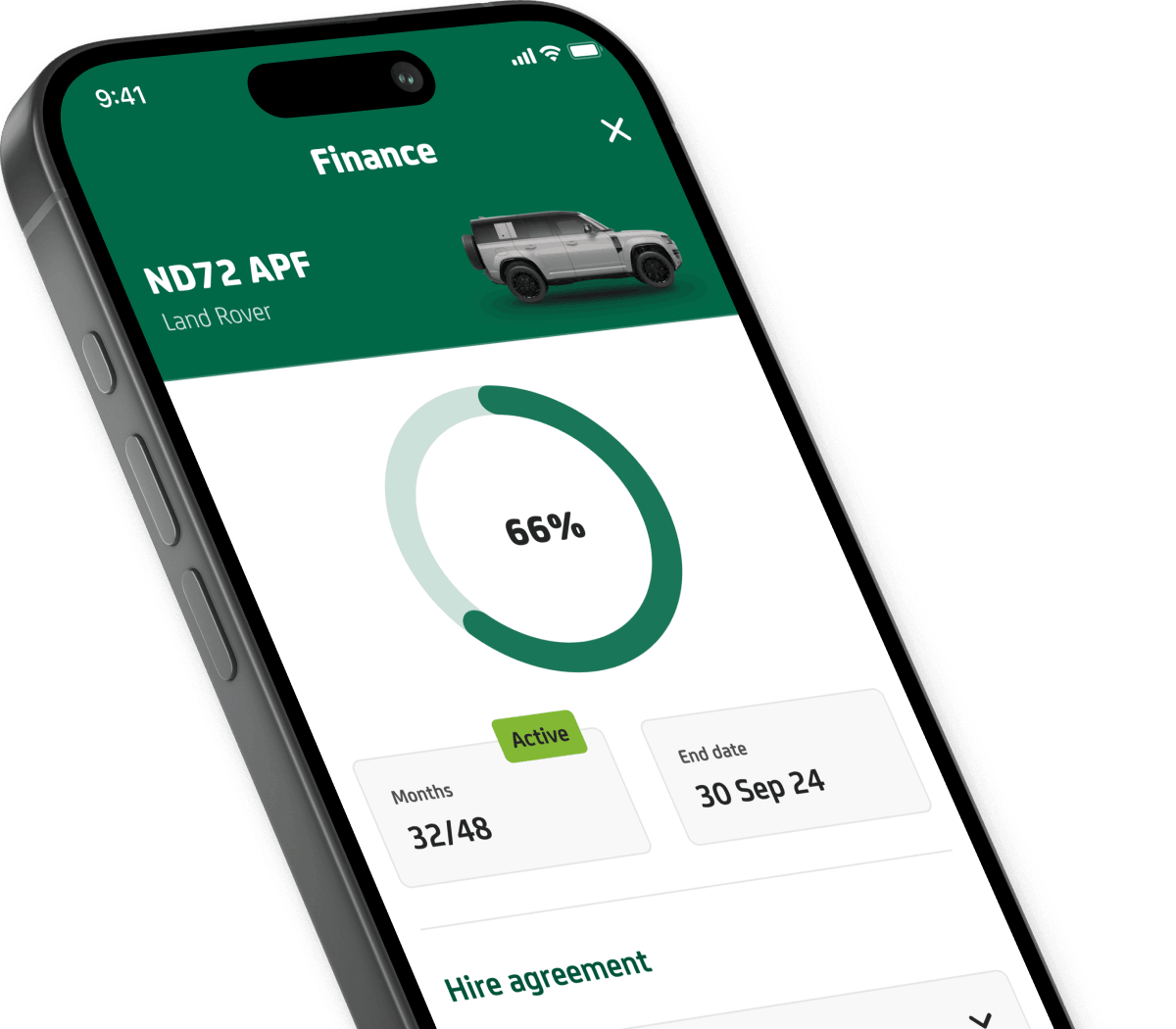
Get Lex Autolease app
Download the Lex Autolease app now.

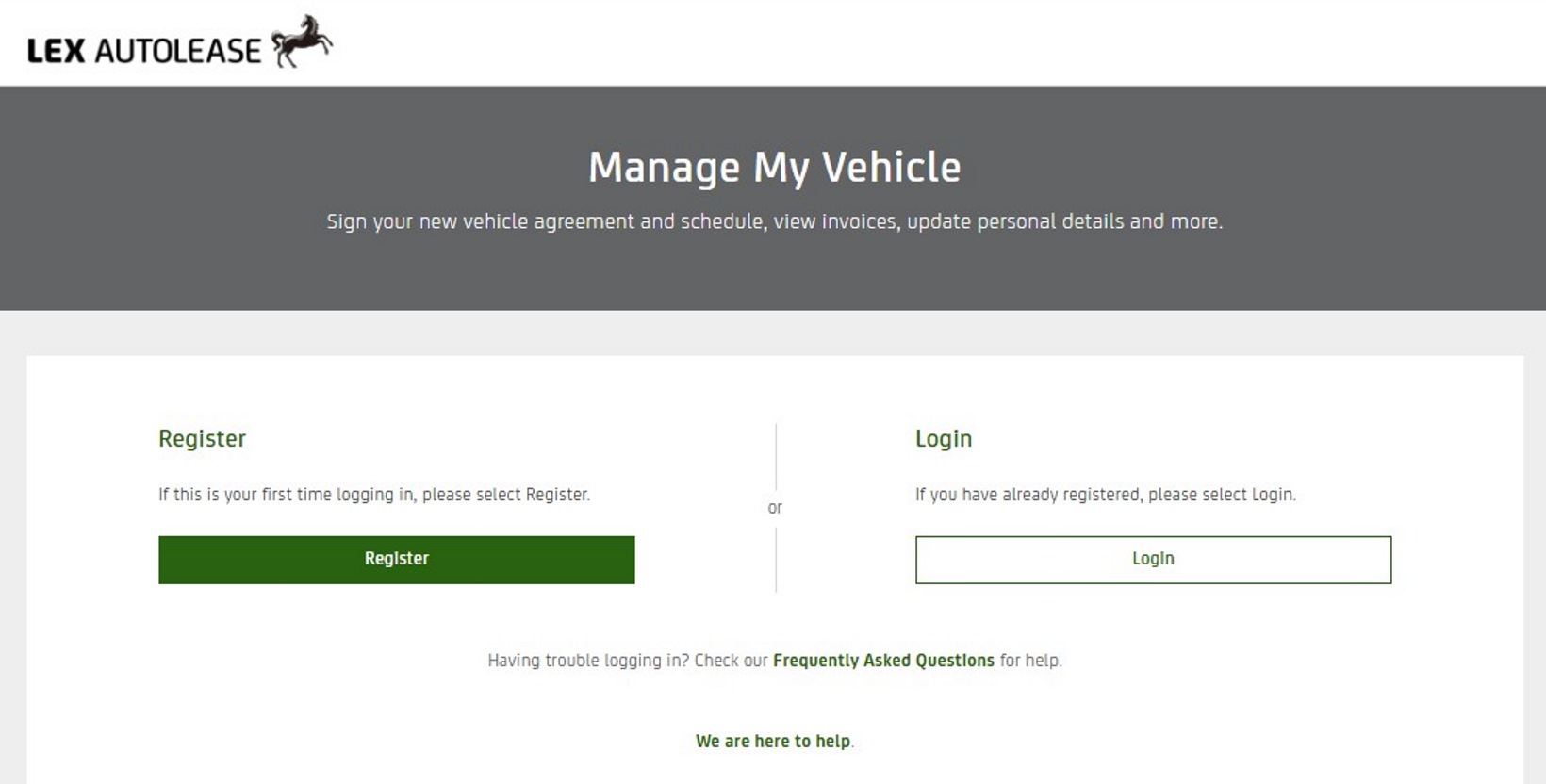
With Manage My Vehicle, you can sign your documents, easily view and pay your invoices and if needed, you can change your contract.
You can also set up the collection of your vehicle when the lease ends.
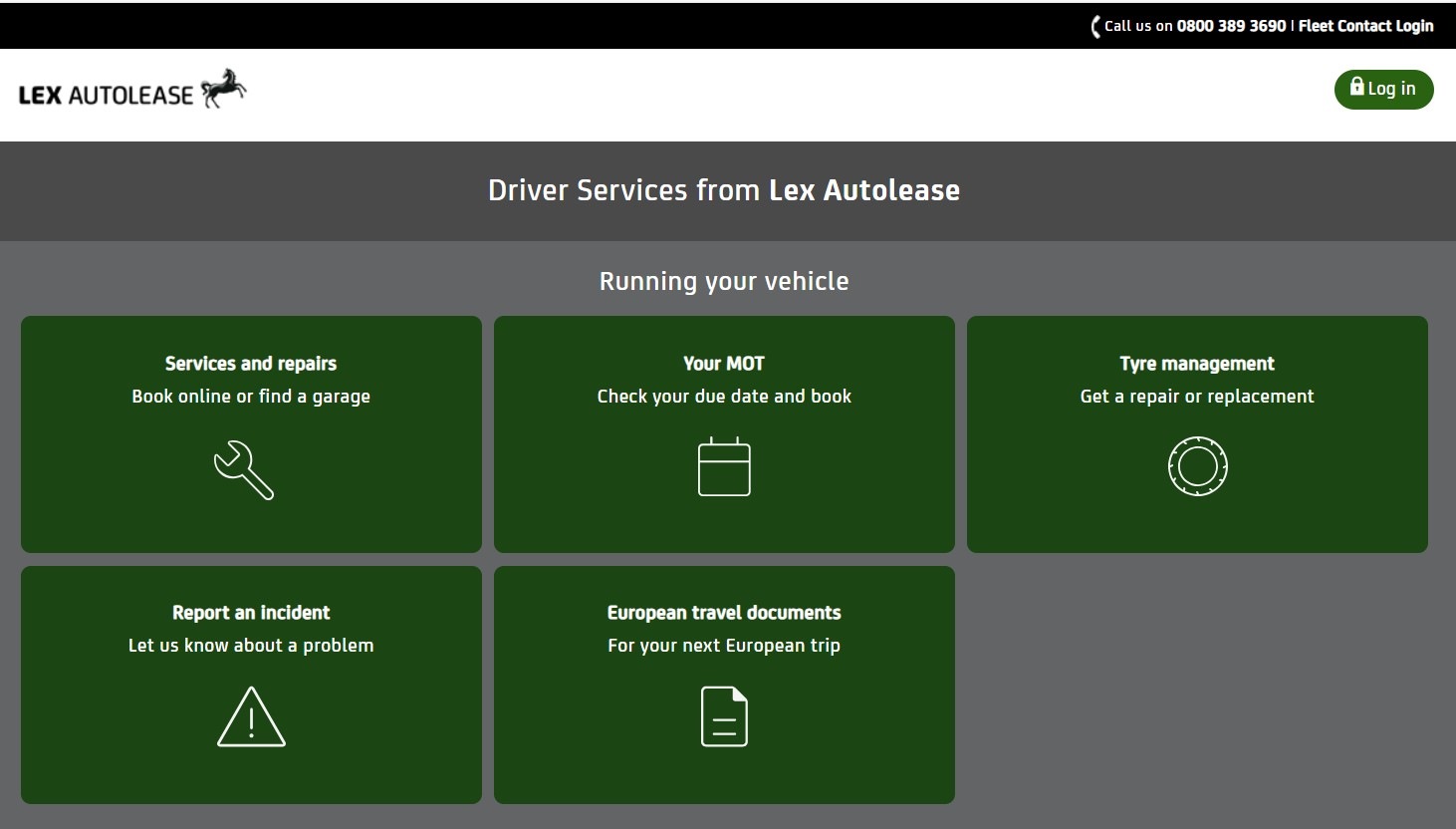
The Lex Driver Portal lets you order a new vehicle.
You can also check your tax estimate.
You can arrange servicing, MOT, tyres, and maintenance.
The portal provides help and support for your fleet vehicle.
Visit Manage My Vehicle and select Register and follow the on-screen steps to create an account.
To register, your employer will send you a link. You'll use this link to self-register. After you register, you can browse and view cars available for order.
To reset your user ID or password, select ‘Forgotten Details’ on the Manage My Vehicle login screen.
Follow the instructions to reset the password or give yourself a new user ID.
The unlock account button should appear on the Lex Driver Portal if you've typed your password incorrectly three times.
Clicking the unlock account button will send an email to your registered email address. Follow the steps from there to unlock your account.
Read further help and support topics here